
Free · no login · OBJ, STL, 3MF
Low poly trees, built to your measurements
Choose a species. The trunk goes up, the boughs come out, the foliage fills in, and every step is yours to change, with the triangle count beside it. Twenty-four species, from a birch to a baobab. Download the tree for Unity, Godot, Unreal or a printer. It is yours.
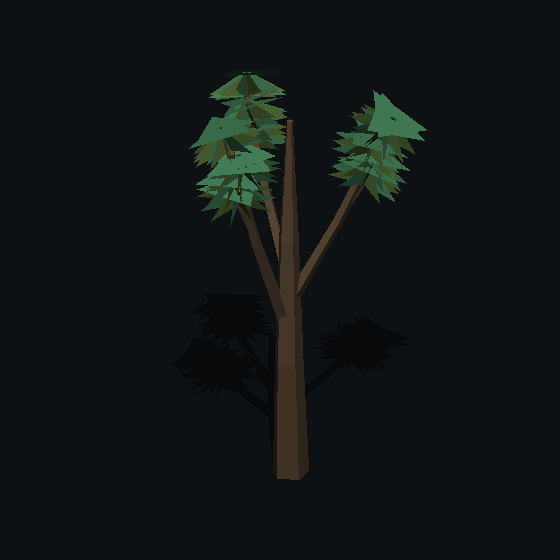
Twenty-four species
Each proposes a whole tree of itself the moment you choose it: its height, its bark, how its boughs leave the trunk, what its foliage is. Every slider is held inside what that species can be, so a birch cannot be dialled into an oak. These are eight of them at their defaults.
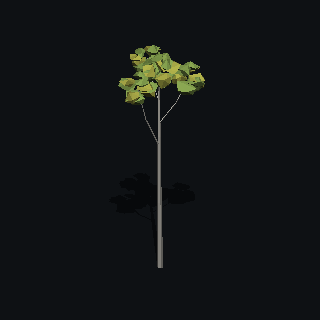 Silver birch6–11 m · 886 triangles
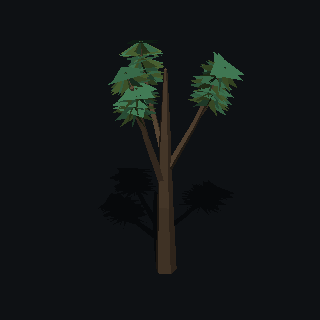 Oak7–12 m · 318 triangles
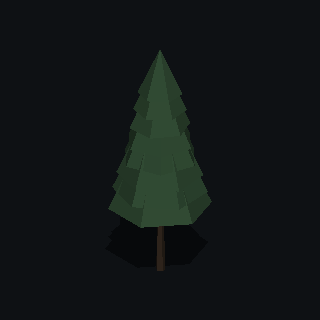 Pine7–12 m · 132 triangles
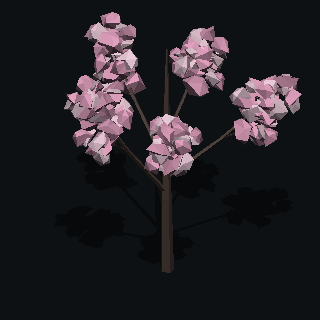 Cherry4–7 m · 2,936 triangles
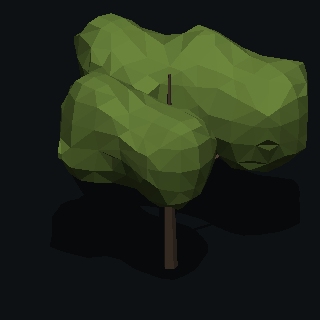 Acacia3–8 m · 1,139 triangles
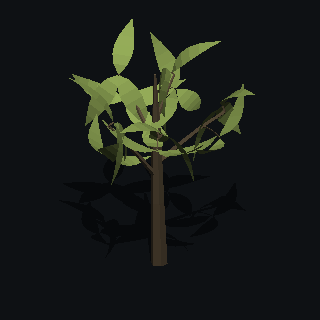 Willow7–11 m · 824 triangles
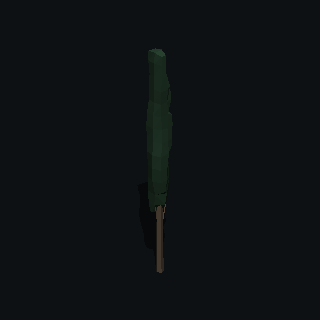 Italian cypress6–12 m · 610 triangles
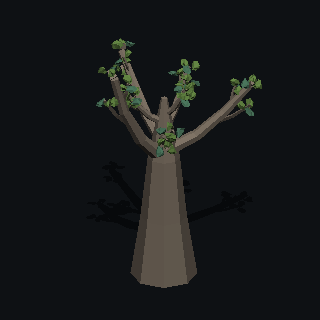 Baobab7–14 m · 2,690 triangles
All twenty-four, in the builder.
What comes out
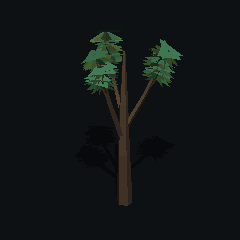
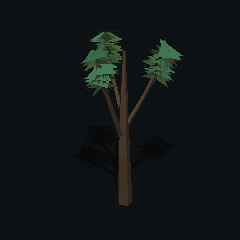
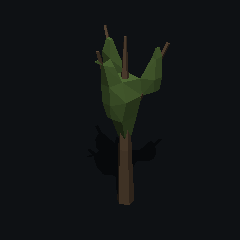
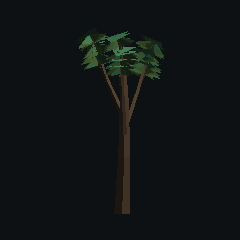
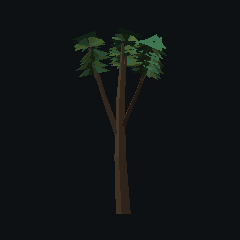
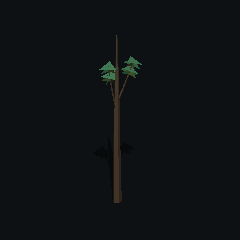
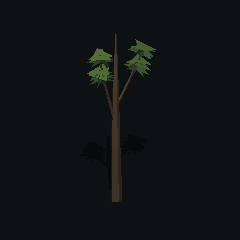
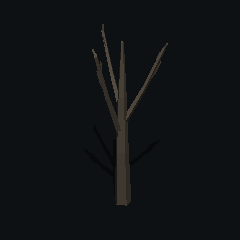
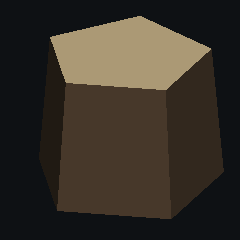
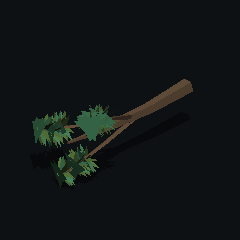
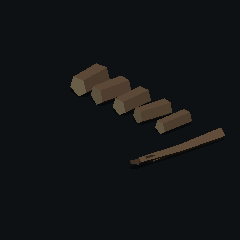
One zip. The tree at three levels of detail, and at every point in its life if you tick them: sapling, young, mature, dead, stump, felled, and chopped into logs a character can carry. Billboards for the far distance. This is the oak above, as exported.
Why a builder and not a pack
Nobody else has it
A pack's oak is in a thousand games. This one is the height you asked for, with the boughs you chose, in your colours, and the triangle count you can afford, shown as you decide.
The extras packs leave out
Every tree comes with what a scene needs and a pack rarely ships: three levels of detail, billboards for the distance, the same tree young and as a sapling, dead, as a stump, felled, and chopped into logs. One tree, one zip, the whole life of it.
It imports right the first time
Metres, standing on the ground at the origin, flat normals in the file, one material on one small palette texture. Nothing to rescale, re-pivot or re-shade.
Read before you import
Short guides to the things that go wrong between a low poly model and a game engine, written around what the builder exports but true of any file.
- Flat shading in Unity for low poly modelsWhy a low poly model goes smooth when it lands in Unity, what the importer's normals and smoothing angle do, the three places to fix it, and how to keep the colours flat too. The complete guide, with the detail in three articles underneath.
- The OBJ file format, explained for game enginesEverything in an OBJ file and its MTL, everything it leaves out (units, axes, colours), how it compares with FBX, GLB and STL, and how Unity, Godot and Unreal each import one without the model arriving tiny, sideways or grey.
- LODs and billboards for low poly modelsHow levels of detail work, what triangle counts are reasonable for low poly trees, rocks and buildings, how to make the levels so the swap does not pop, billboards and impostors for the far distance, and the LOD setup in Unity, Godot and Unreal.
- Free low poly assets for GodotWhere to get free low poly models that work in Godot 4, what each source's licence allows, which formats to prefer, how to import an OBJ or GLB with its colours and flat shading intact, how to add a collider, and how to scatter a forest. The complete guide.
Formats and engines
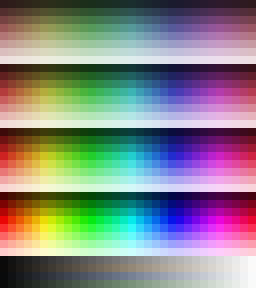
Export is a zip. OBJ as one mesh with one material on the PolyMason palette, one texture of 1,152 colour blocks that every model from here shares, the way the packs do it, so a whole scene of them is one material and one draw call each, with flat normals written in; STL for printing; 3MF with the exact colours in it. GLB is next. Units are metres and the model stands on the ground at the origin, which is what Unity and Godot expect; Unreal wants a scale of 100 on import, and the OBJ guide says where that is.
Everything you build here is yours: use it in any project, commercial or not, no attribution required.
Rocks, buildings and the rest
Trees first. Rocks, plants, grass, clouds, terrain, water, buildings and props are cut and on the bench; they arrive one builder at a time.
Questions
- Is it free?
- Yes. No account, no login, no watermark, no limit on downloads.
- Can I use it in a commercial game?
- Everything you build here is yours: use it in any project, commercial or not, no attribution required.
- What does it export?
- OBJ as one mesh with one material on the PolyMason palette, a texture every model from here shares, with flat normals written in; STL; 3MF with the exact colours. In metres, standing on the ground at the origin. Levels of detail, younger and dead versions, a stump, a felled trunk, chopped logs and billboards if you tick them. GLB is next.
- Does it work in Unity, Godot and Unreal?
- All three import OBJ. The model is in metres with its base at the origin, its colours are on the one palette texture the material library points at, and the normals are flat in the file, so nothing needs fixing after import. Unreal works in centimetres and wants a scale of 100.
- Why one palette for every model?
- Because a scene is then one material: every tree, and later every rock and building, points at the same texture, so an engine batches them together and recolouring a block recolours everything that uses it. The palette is the full spectrum, so a model's colours snap to a block a few percent away at most; the 3MF keeps them exact.